If you’re planning to embroider a logo on shirts, hats, jackets, or promotional products, one of the first things you’ll need is a DST file. Many people ask how to convert a logo to DST file while maintaining design quality and ensuring smooth embroidery results. The truth is that converting artwork into a DST file requires more than simply changing the file format.
A DST file contains stitch information that embroidery machines use to create a design on fabric. Without proper digitizing, a logo may lose detail, become distorted, or stitch poorly. Understanding how to convert a logo to DST file correctly can help you achieve professional embroidery results and avoid costly production mistakes.
What Is a DST File?
DST stands for Tajima Data Stitch file, one of the most widely used embroidery machine formats in the industry. Unlike image files such as JPG, PNG, or SVG, a DST file contains stitch commands, stitch directions, color changes, and machine instructions.
When people search for how to convert a logo to DST file, they often assume that the process is similar to converting a PNG into a PDF. However, embroidery files must be manually digitized to ensure they stitch correctly on fabric.
Why You Cannot Directly Convert an Image to a DST File
Many online tools claim to instantly convert logos into embroidery files. While these automatic converters may create a DST file, the results are usually poor because embroidery requires specialized settings.
A professional digitizer must consider:
- Stitch density
- Underlay stitches
- Pull compensation
- Stitch angles
- Fabric type
- Small text adjustments
- Thread path optimization
Without these adjustments, the final embroidery may look completely different from the original logo.
This is why understanding how to convert a logo to DST file involves learning about embroidery digitizing rather than simple file conversion.
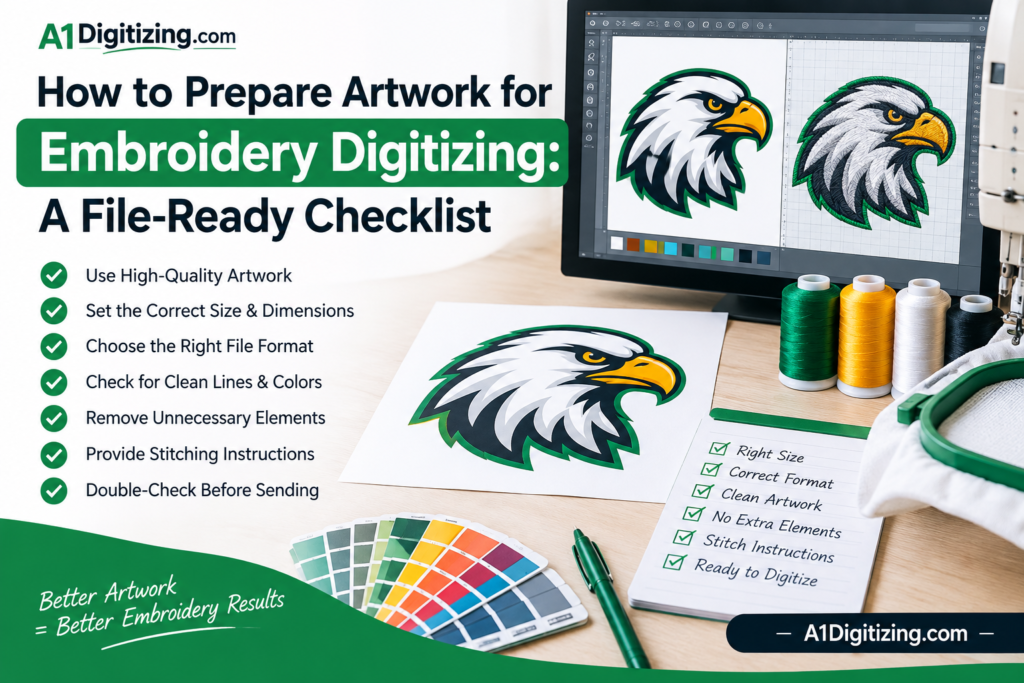
Step 1: Start With High-Quality Artwork
The first step in how to convert a logo to DST file is using clean artwork.
The best file formats include:
- AI
- EPS
- SVG
- High-resolution PNG
Vector artwork produces the best digitizing results because lines remain sharp and scalable.
Low-quality images can cause problems such as:
- Jagged edges
- Missing details
- Poor lettering
- Distorted shapes
Using high-quality artwork helps ensure accurate embroidery digitizing.
Step 2: Analyze the Design for Embroidery
Not every design works perfectly as embroidery.
Before converting a logo to DST format, a digitizer evaluates:
Design Size
Small logos require simplification to maintain readability.
Lettering
Tiny text may need adjustments or resizing.
Color Count
Too many color changes can increase production time.
Detail Level
Extremely fine details may need modification for embroidery.
Professional analysis helps maintain quality throughout the digitizing process.
Step 3: Create the Embroidery Stitch File
This is the most important stage of how to convert a logo to DST file.
Using professional embroidery software, a digitizer manually creates stitch objects that define:
- Satin stitches
- Tatami fills
- Running stitches
- Underlay structures
- Stitch directions
Each element is customized to ensure smooth embroidery performance.
Unlike automatic conversion tools, professional digitizing focuses on stitch quality rather than simply generating a file.
Step 4: Optimize for Fabric Type
Different fabrics behave differently during embroidery.
For example:
- Polo shirts stretch
- Caps have curved surfaces
- Jackets use heavier materials
- Performance fabrics require special adjustments
Professional digitizers modify settings to match the final garment.
This step is often overlooked when people search for how to convert a logo to DST file, yet it has a major impact on embroidery quality.
Step 5: Test the Design
Before production, experienced digitizers perform stitch simulations and quality checks.
Testing helps identify:
- Thread breaks
- Excessive density
- Registration issues
- Small text problems
- Fabric distortion
At A1 Digitizing, every embroidery file is carefully reviewed to ensure professional embroidery results.
Common Mistakes When Converting Logos to DST Files
Many embroidery issues occur because of poor digitizing practices.
Common mistakes include:
Using Auto-Digitizing Software
Automatic conversion often creates excessive stitches and poor embroidery quality.
Ignoring Fabric Type
A file that works on a jacket may not stitch properly on a polo shirt.
Excessive Stitch Density
Too many stitches can cause puckering and thread breaks.
Small Unreadable Text
Letters below embroidery limits may become unreadable.
Poor Stitch Direction
Incorrect stitch angles can create gaps and distortions.
Avoiding these mistakes is essential when learning how to convert a logo to DST file successfully.
Benefits of Professional Embroidery Digitizing
Professional digitizing provides several advantages:
- Cleaner embroidery
- Better detail retention
- Fewer thread breaks
- Reduced production issues
- Improved machine efficiency
- Professional appearance
This is why businesses often choose experienced digitizing companies rather than relying on automatic conversion software.
Industry resources such as Embroidery Trade Association also emphasize the importance of proper embroidery digitizing standards.
Why Businesses Need High-Quality DST Files
Embroidery represents a brand’s image. Poor-quality embroidery can create a negative impression, especially on uniforms, promotional apparel, and corporate merchandise.
A professionally digitized DST file ensures:
- Accurate logo reproduction
- Consistent branding
- Long-lasting embroidery quality
- Efficient production
Whether you’re embroidering a single logo or thousands of garments, quality digitizing remains essential.
Conclusion
Understanding how to convert a logo to DST file is important for anyone involved in embroidery production. The process involves much more than changing file formats. Proper digitizing requires expertise in stitch creation, fabric behavior, density control, and embroidery machine performance.
By using professional digitizing services and high-quality artwork, businesses can create embroidery files that stitch cleanly and accurately on any garment. If you need reliable embroidery digitizing, visit A1 Digitizing for professional DST file conversion and embroidery digitizing solutions.